

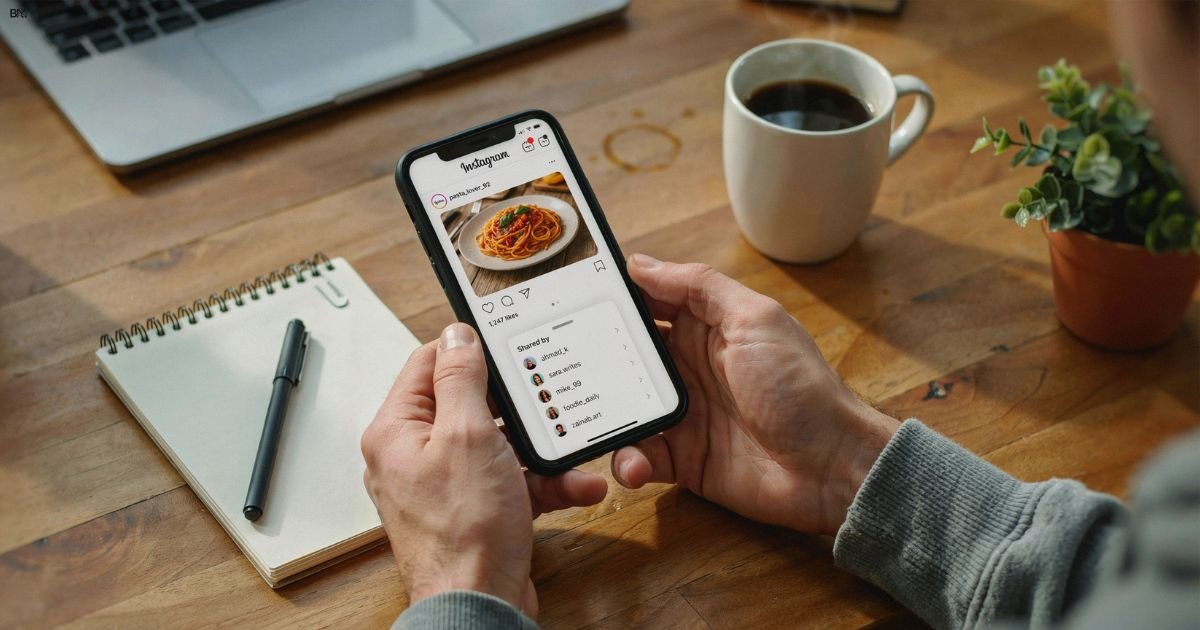
How to See Who Shared Your Instagram Post?
You posted something great: a photo, a Reel, maybe a tip that took real effort. Then one question hits your mind: how to see who shared your Instagram post? It’s normal to feel curious. Shares mean impact. They show your content moved someone enough to pass it along. But when you check your notifications, you don’t see names. You only see numbers inside Instagram Insights.
That’s where Instagram post shares appear, along with other Instagram engagement metrics. If you’re using a professional Instagram account, you can dig deeper using Instagram post analytics. In this guide, I’ll explain what you can see, what you can’t, and why it works this way.
Can You See Who Shared Your Instagram Post?
No, Instagram does not let you see the specific usernames of people who send or share your post in private direct messages.
What You Can and Cannot See
Total Share Count: You can see how many total times your post was shared by tapping View Insights under your post and looking at the paper airplane icon. (Note: You need a Creator or Business account to view insights).
If you are asking can you see who sent your instagram post?, the platform does not reveal private sharing identities. However, you can see the total Instagram share count if you have a professional Instagram account.
Direct Messages (DMs): You cannot see who sent or forwarded your post to others via direct message. Instagram keeps this completely private.
Story Reshares: If someone shares your post to their public story and tags your handle, you will receive a notification. If they do not tag you or if their account is private, you won’t see their name.
To check this number, you need to view Instagram Insights on your post. That is where Instagram post analytics display total shares. If you are wondering how to see the share count on an Instagram post, tap “View Insights” under the post. This works for photos, carousels, and Instagram Reels shares.
Why Instagram Does Not Show Who Shared Your Post (Privacy Explained)
Many users type Why can’t I see who shared my Instagram post because they assume the feature is hidden. It is not hidden. It is protected. Under Instagram’s privacy policy, shares of private interactions like DMs remain confidential. Instagram does not expose who sent your content to someone else.
There is also a behavioral reason. If users felt monitored, they might hesitate to share. Instagram encourages natural sharing without pressure. That is why instagram dm shares stay anonymous. If you are still asking, does Instagram show who shared your post, the answer remains no due to the privacy structure.
Can You See Who Shared Your Instagram Post on Story?

Story sharing works differently. If someone tags you in their story, you receive Instagram share notifications. That means you can see their username. This answers part of how to know if someone shared your post.
You can also check Instagram story reshares in Insights if you have a creator or business Instagram account. Many creators search how to see Instagram story reshares. The visibility depends on tagging and account privacy.
| Story Type | Username Visible | Share Count Visible |
| Tagged Public Story | Yes | Yes |
| Untagged Public Story | Sometimes | No |
| Private Story | Only if you follow | No |
If someone tags you, you can also check Instagram story mentions. That is how to see who mentioned you in Instagram Stories.
Can You See Who Shared Your Instagram Post via DM?
Direct Messages are private. So if you are asking does Instagram notify you when someone shares your post, the answer is no for DMs. Instagram does not send alerts for private sharing.
Even when your Instagram share count increases, you cannot separate story shares from DM shares. That data stays combined inside Instagram engagement metrics. If you are thinking can you see who shared your reel, the rule is the same.
What Instagram Insights Actually Shows About Post Shares

To understand how Instagram Insights works, you must switch to a professional profile. Once active, you can analyze instagram reach analytics and overall performance. This is where you learn how to check shares on instagram properly.
Here is what Insights provides:
- Total shares
- Total reach
- Impressions
- Saves
- Profile visits
| Metric | Meaning |
| Shares | Total times sent via DM or Story |
| Reach | Unique accounts reached |
| Impressions | Total views including repeats |
| Saves | Number of times saved |
When you consistently track Instagram post performance, you understand what content spreads naturally.
How to Switch to a Professional Account
If you still use a personal profile, you must switch to a professional Instagram account. Many users ask can personal accounts can see Instagram shares. The answer is no. You need a professional setup.
To upgrade, follow these steps:
• Go to Settings
• Tap Account Type
• Choose Professional
• Select Business or Creator
People often search for how to switch to a business account on Instagram or how to switch to a creator account on Instagram. Once activated, you unlock how to access the professional dashboard instagram and deeper analytics.
| Account Type | Insights Access | Share Count Access |
| Personal | No | No |
| Creator | Yes | Yes |
| Business | Yes | Yes |
How to Check Shares on Instagram Posts and Reels
After switching, open any post and tap View Insights. That is where you see your instagram post shares data. If you want to learn how to view instagram insights, this is the correct path.
Reels work the same way. If you are wondering can you see who shared your reel, you can only see the total count. In many U.S. case studies, reels generate more sharing due to fast storytelling. That helps improve your instagram content strategy.
Personal vs Professional Account – What’s the Difference in Share Data?
The difference is clear. A personal account shows almost nothing. A professional account reveals full instagram post analytics and performance tracking.
Here is a comparison:
| Feature | Personal | Professional |
| Insights | No | Yes |
| Share Count | No | Yes |
| Reach Data | No | Yes |
| Engagement Tracking | No | Yes |
If you want to seriously grow, especially in competitive U.S. markets, you must use a professional setup.
How to Know If Someone Shared Your Post Without Tagging You

You cannot directly see untagged shares. However, you can detect patterns. A sudden spike in reach may signal private sharing. That is where how to track instagram engagement becomes important.
Look at these signs:
• Reach increases suddenly
• Profile visits jump
• Saves increase quickly
• Follower growth rises within hours
These signals often mean your content traveled privately through instagram dm shares.
Can Third-Party Apps Show Who Shared Your Instagram Post?
Many tools claim there is an app to see who sent your Instagram post. These tools are misleading. Instagram does not allow third-party access to private share data.
Using unsafe apps can risk suspension. Always rely on official Instagram insights. If someone promises secret access, it violates platform policy.
What to Do If Someone Shares Your Post Without Permission
Sharing is usually positive. However, if someone reposts without credit, act calmly. Send a polite message first. Most people respond positively.
If needed, use Instagram’s reporting tools. Protecting your content is part of smart brand management in 2026.
Common Myths About Instagram Post Shares
Many believe business accounts show usernames. That is false. Others believe secret settings unlock identity data. That is also false.
Here are common myths clarified:
• Myth: Business accounts reveal sharers
• Myth: Hidden hacks exist
• Myth: Shadow apps expose data
• Myth: DM shares can be traced
If you keep asking Can you see who shared your Instagram post, remember privacy rules do not change.
How to Get More Instagram Post Shares Organically
Instead of worrying about names, focus on strategy. To master how to increase Instagram shares, create content that people feel proud to send.
Effective sharing strategies include:
• Emotional storytelling
• Clear calls to action
• Relatable humor
• Educational micro-tips
• Trending but relevant topics
When you improve your Instagram content strategy, your Instagram post shares increase naturally.
FAQs
Why can’t I see who shared my Instagram post?
Instagram protects user privacy, so it only shows the total share count, not individual usernames.
How to check shares on Instagram posts?
Open your post, tap “View Insights,” and check the share number if you have a professional account.
Can you see who shared your reel on Instagram?
No, you can only see the total number of shares, not the specific accounts.
How to switch to a business account on Instagram to see shares?
Go to Settings, tap Account type, and choose Professional to access Insights and share data.
Can you see who sent your Instagram post in DMs?
No, Instagram keeps all direct messages private and does not reveal who forwarded your post to others.
Does Instagram notify you when someone sends your post?
No, you won’t receive notifications when a user shares your post via DM or private message.
Final Thoughts
Now you understand how to see who shared your Instagram post in full detail. You know the difference between sharing to Stories and sharing via DMs. You understand privacy rules. And you know how to use Instagram reach analytics properly.
Growth does not come from tracking names. It comes from creating content people want to share. Focus on value. Track your data. Improve consistently. That is the real strategy.
Ready to engineer your next
viral breakthrough?
Join creators who’ve stopped hoping for virality and started engineering it.